
block元素自始可用
A block-level container.
Such a container can be used to separate content, to size or clip it, or to give it a background or border.
Blocks are also the primary way to control whether text becomes part of a paragraph or not. See the paragraph documentation for more details.
Examples
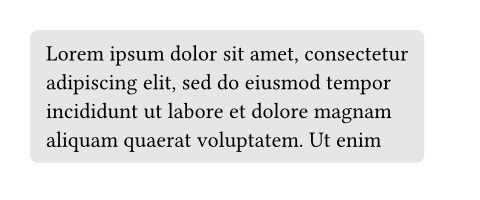
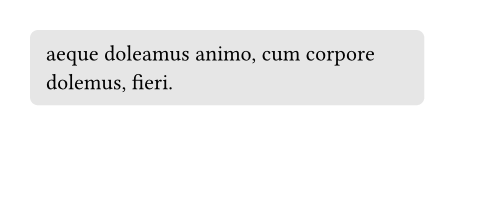
With a block, you can give a background to content while still allowing it to break across multiple pages.
#set page(height: 100pt)
#block(
fill: luma(230),
inset: 8pt,
radius: 4pt,
lorem(30),
)
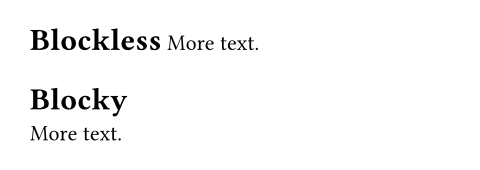
Blocks are also useful to force elements that would otherwise be inline to become block-level, especially when writing show rules.
#show heading: it => it.body
= Blockless
More text.
#show heading: it => block(it.body)
= Blocky
More text.
参数
width默认值:auto
The block’s width.
 展开示例
展开示例
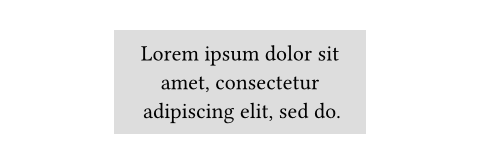
#set align(center)
#block(
width: 60%,
inset: 8pt,
fill: silver,
lorem(10),
)
height默认值:auto
The block’s height. When the height is larger than the remaining space on a page and breakable is true, the block will continue on the next page with the remaining height.
展开示例
#set page(height: 80pt)
#set align(center)
#block(
width: 80%,
height: 150%,
fill: aqua,
)


breakable默认值:true
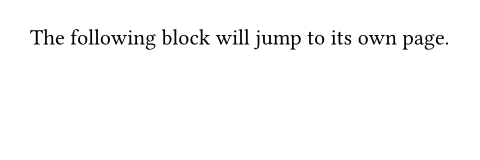
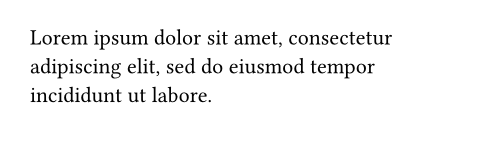
Whether the block can be broken and continue on the next page.
展开示例
#set page(height: 80pt)
The following block will
jump to its own page.
#block(
breakable: false,
lorem(15),
)
fill默认值:none
The block’s background color. See the rectangle’s documentation for more details.
stroke默认值:(:)
The block’s border color. See the rectangle’s documentation for more details.
radius默认值:(:)
How much to round the block’s corners. See the rectangle’s documentation for more details.
inset默认值:(:)
How much to pad the block’s content. See the box’s documentation for more details.
outset默认值:(:)
How much to expand the block’s size without affecting the layout. See the box’s documentation for more details.
spacing默认值:1.2em
The spacing around the block. When auto, inherits the paragraph spacing.
For two adjacent blocks, the larger of the first block’s below and the second block’s above spacing wins. Moreover, block spacing takes precedence over paragraph spacing.
Note that this is only a shorthand to set above and below to the same value. Since the values for above and below might differ, a context block only provides access to block.above and block.below, not to block.spacing directly.
This property can be used in combination with a show rule to adjust the spacing around arbitrary block-level elements.
展开示例
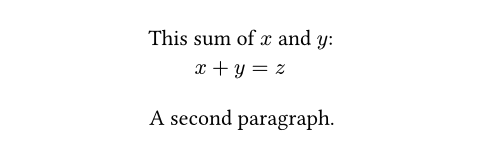
#set align(center)
#show math.equation: set block(above: 8pt, below: 16pt)
This sum of $x$ and $y$:
$ x + y = z $
A second paragraph.
above默认值:auto
The spacing between this block and its predecessor.
below默认值:auto
The spacing between this block and its successor.
clip默认值:false
Whether to clip the content inside the block.
Clipping is useful when the block’s content is larger than the block itself, as any content that exceeds the block’s bounds will be hidden.
展开示例
#block(
width: 50pt,
height: 50pt,
clip: true,
image("tiger.jpg", width: 100pt, height: 100pt)
)

sticky默认值:false
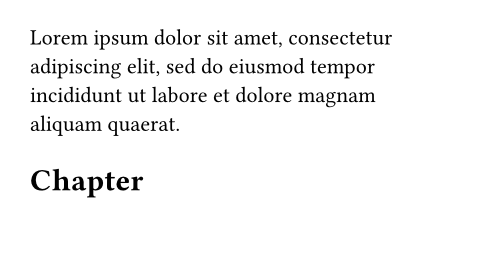
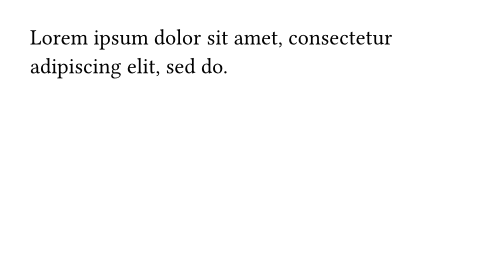
Whether this block must stick to the following one, with no break in between.
This is, by default, set on heading blocks to prevent orphaned headings at the bottom of the page.
展开示例
// Disable stickiness of headings.
#show heading: set block(sticky: false)
#lorem(20)
= Chapter
#lorem(10)
body默认值:none
The contents of the block.